


Hello everyone! We're coming up on four years since the start of our community. As part of my continual commitment to doing the best for our community I’ve taken it upon myself, upon the request of members, to create some game servers.
I wanted the whole system to be as set‑and‑forget as possible, so I had to make many decisions that avoid the need to re‑configure things down the line. Back‑ups were another thing I wanted to be not only possible but easy. I also wanted something that was as secure as it could be without going into “insane” territory.
System Overview
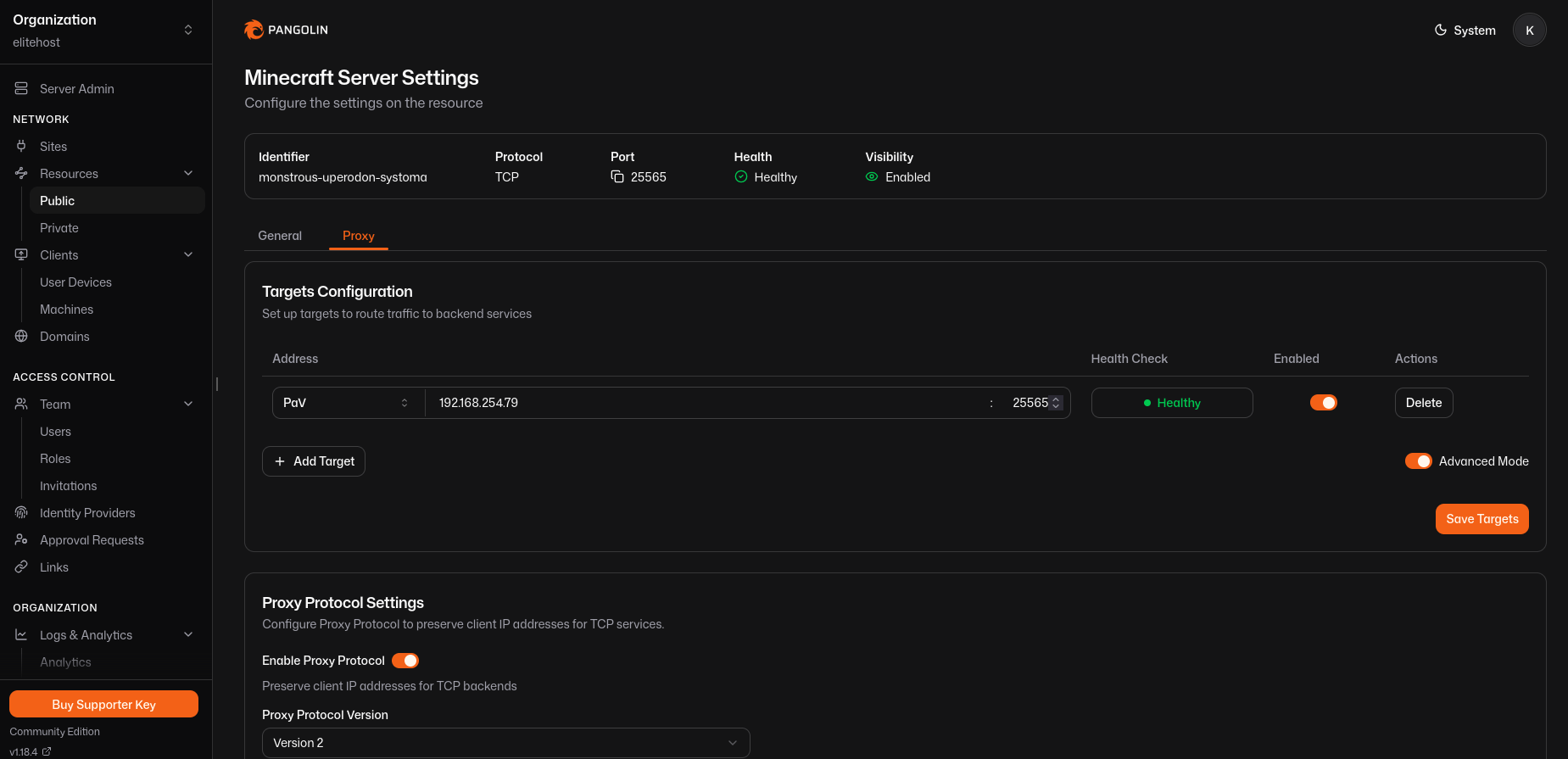
All connections come in through a Pangolin reverse proxy on a TCP stream using HAProxy Protocol v2.
Pangolin is hosted on a public‑facing VPS; the proxy tunnels over WireGuard back to the game host server, allowing the host for the game servers to not require any ports to be forwarded on its network.
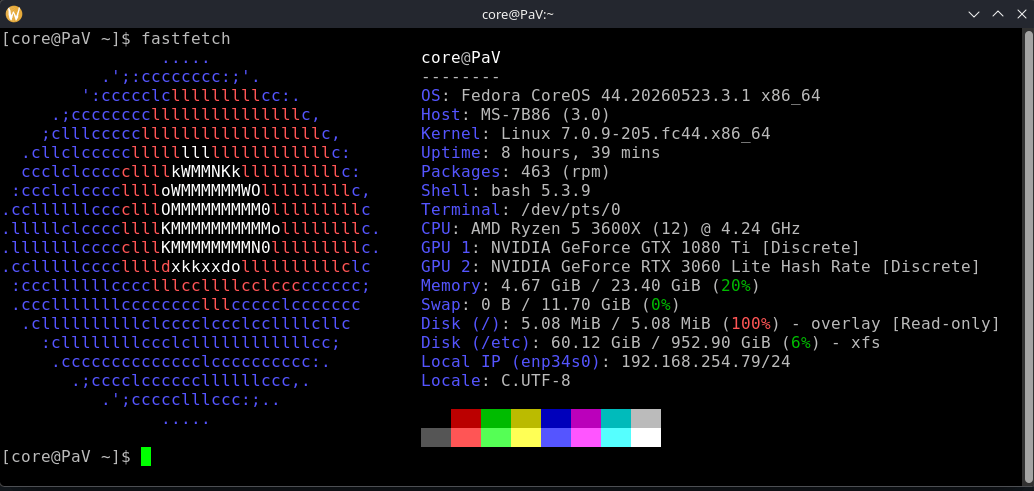
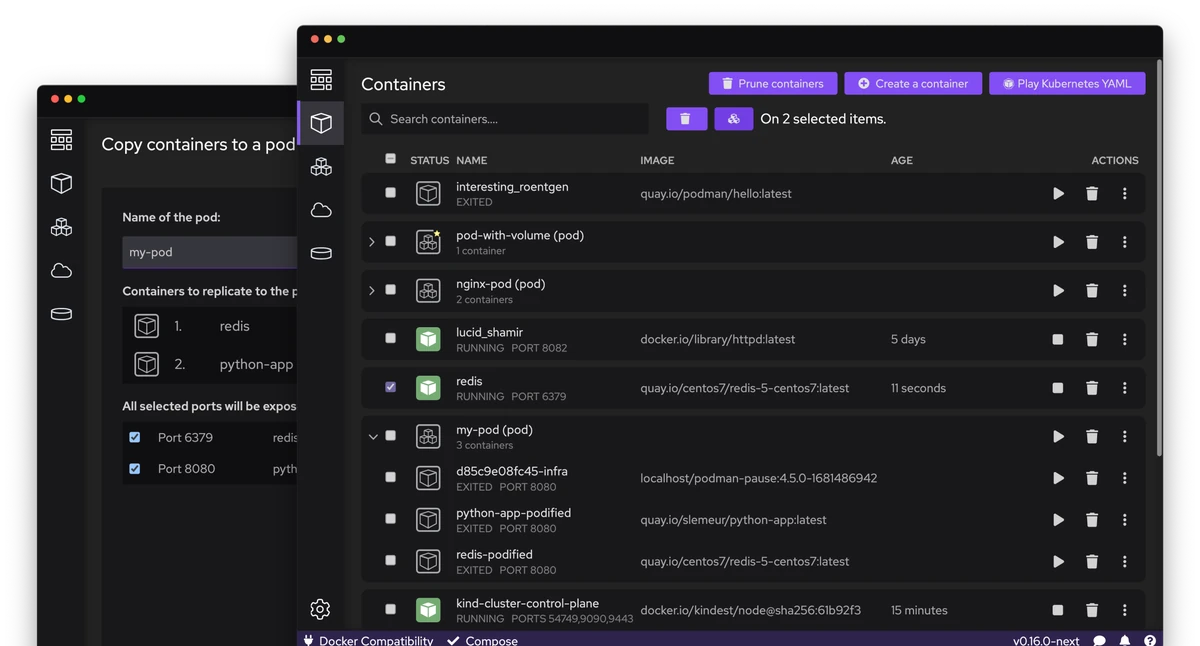
The host runs Fedora CoreOS and all the game, tunneling and other software are hosted within pods on its system.
The image for these pods can be backed up into archives using a single command and recreated, or even completely cloned, with a single command as well.
Game Servers
We’ve chosen Minecraft Legacy (1.12.2) and the latest version to host for now, using Crafty‑Controller as the base manager so we can manage them remotely without SSH.
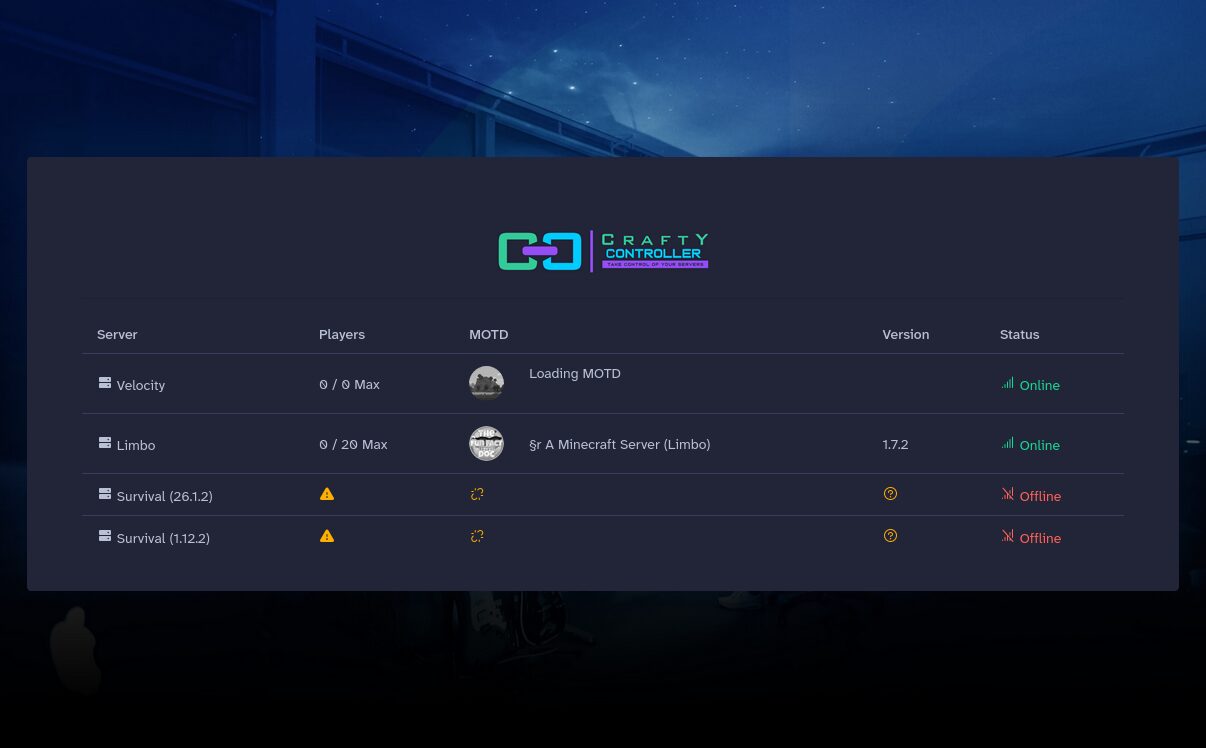
Four servers exist within Crafty‑Controller:
| Server | Purpose |
|---|---|
| Velocity | Decodes the HAProxy stream and restores each player’s real IP address. Without this, every player would appear to be connecting from the VPS instead of their actual IP. |
| Limbo | Keeps players connected while the main server is starting or restarting. |
| Modern | Runs the current Minecraft version. |
| Legacy | Runs the legacy version. |
Each server has automatic backups at the server level handled by crafty controller.
Efficient Resource Usage
Even optimized Minecraft servers still consume memory and CPU while sitting idle.
To address this, I’m using the AutoStartStop plugin on the survival (modern/legacy) server. When the last player leaves, the server automatically shuts down after a short delay. When someone joins again, Velocity immediately sends them to Limbo while the survival server starts in the background. As soon as the survival server finishes loading, the player is automatically transferred over.
The transition is surprisingly seamless and dramatically reduces resource usage when nobody is online. It also works during restarts and crashes: if the main server goes down for maintenance or unexpectedly crashes, players aren’t simply disconnected; Velocity sends them to Limbo and keeps them connected until the survival server comes back online.

Future‑Proofing with Podman + Pangolin
The Podman + Pangolin combo gives us a truly drop‑in solution for any new game server we want to add in the future.
Because Pangolin supports both TCP and UDP streams, all you need to do is open one new port on the public‑facing VPS. Once that single port is listening, Pangolin will automatically forward every incoming connection it's set up to forward, regardless of protocol, through the existing WireGuard tunnel back to the game host server.
All traffic continues to flow over the pre‑established tunnel exactly as it does now, so you don’t have to touch any firewall rules or NAT settings on the host network.
The same Podman backup and restore mechanism that we use for our current Minecraft pods applies to any new pod you spin up: a single command can archive its image, recreate it, or even clone an entire server cluster.
In short, adding a brand‑new game server is as simple as building a container image for that game and then pointing the pangolin reverse proxy at it. Pangolin handles all traffic routing, and you instantly inherit all of Podman’s secure, “set‑and‑forget” backup benefits, making new servers extremely straightforward and safe to deploy.
I hope you enjoyed reading, this concludes our community anniversary update! We're looking for blog writers, programmers and authors for our community and document.. apply here! You can also engage anytime in our discussions regarding Fun Facts on our Discord, Matrix, or even our Forums! Let us know your thoughts.